Best-fit use cases
- SACCO, NGO, utility and public-service self-service menus.
- Survey, registration and status-check journeys.
- Account, payment or service lookup for users without internet access.
USSD SERVICES
Design USSD menus for customer self-service, surveys and mobile access in Kenya where users may not have internet or smartphones.
DIRECT ANSWER
USSD services give customers a simple dial-in menu for self-service tasks without requiring mobile data or a smartphone app. MobileSync helps teams plan the user journey, menu logic and integration points behind the code.
Apps and web portals can exclude users with limited data, feature phones or low digital literacy. USSD is useful when a service must be reachable quickly from almost any mobile phone.
End-to-end connectivity between business systems, MobileSync gateways, service providers, and target users.
SOLUTION PLAN
Exact scope depends on verified access, technical requirements and compliance rules. These steps help your team prepare for a focused conversation.
Define the target user journey and each menu action.
Plan session flow, validation, language and timeout handling.
Connect the menu to databases, payment solutions or notification channels.
Test on real user scenarios before public launch.
Confirm customer consent, access control, data handling, failure rules and launch ownership before committing to campaign timelines or customer promises.
PLANNING GUIDE
Start by documenting the current process, the people responsible for it and the result the organization needs to improve. Record message volumes, payment events, user journeys, approval steps, existing software and the exceptions staff handle manually. This gives MobileSync enough context to recommend a realistic USSD Services scope instead of a generic technology package.
Agree how success will be measured before launch. Useful measures may include delivery quality, response time, completed self-service sessions, matched payments, reduced manual follow-up or improved reporting. A focused first release makes it easier to test assumptions, protect customer data and decide what should be automated next.
CHANNEL COMPARISON MATRIX
| Capability / Channel | Mobile Reach | Data Requirement | Primary Business Use Case |
|---|---|---|---|
| Bulk SMS | 100% Reach | No internet needed | Urgent alerts, payment receipts, parent notices, OTPs |
| Bulk WhatsApp | High Engagement | Mobile data required | Customer care, catalogs, media updates, interactive chat |
| USSD Services (*123#) | 100% Feature Phones | No internet / 2G compatible | Member self-service, balance checks, farmer registration |
| MPESA Integration | All Mobile Money | Automated API Callbacks | Instant fee confirmation, Paybill reconciliation, disbursement |
| Custom Portals & CRM | Full Enterprise | Cloud Hosted System | Central records, automated workflows, custom reporting |
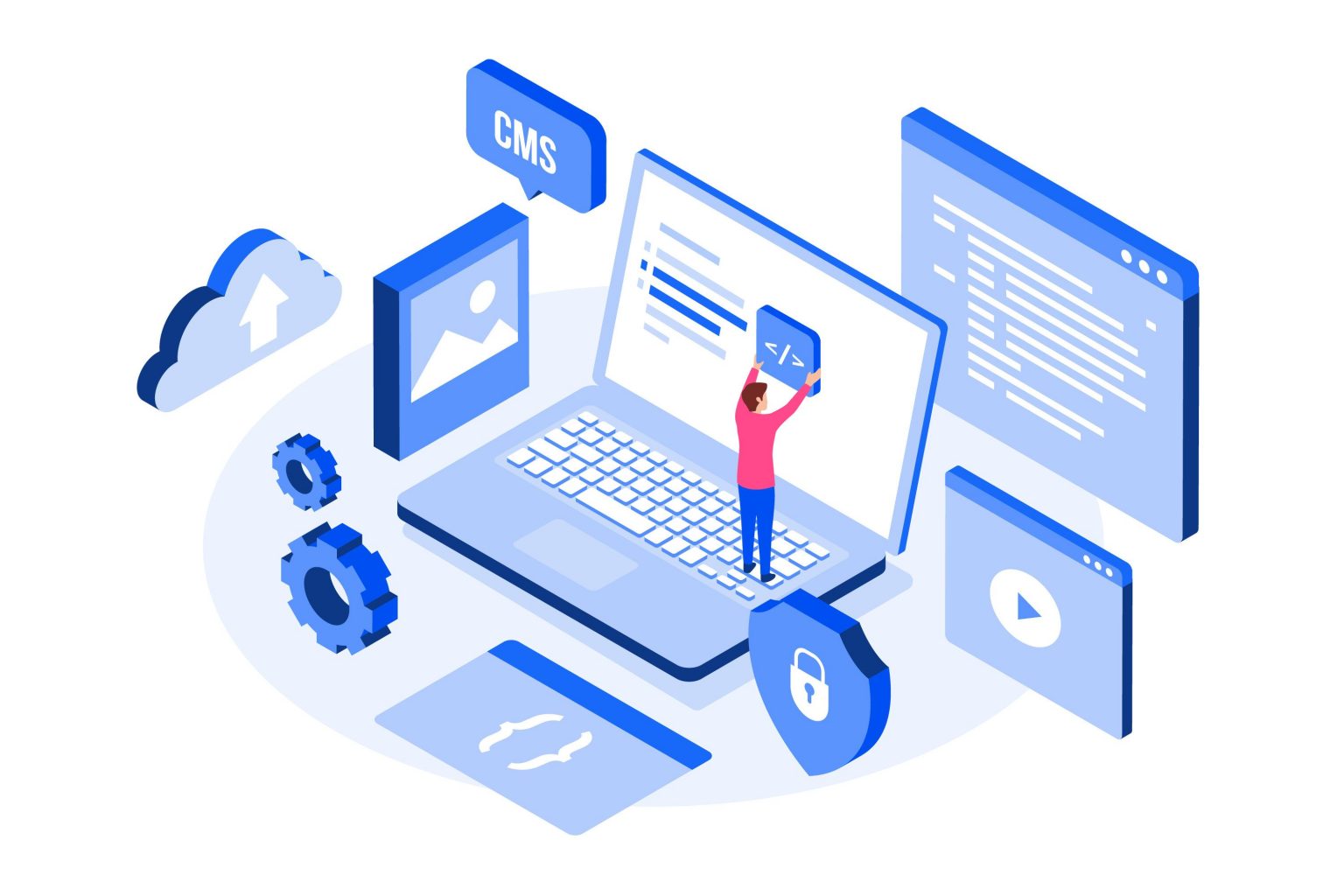
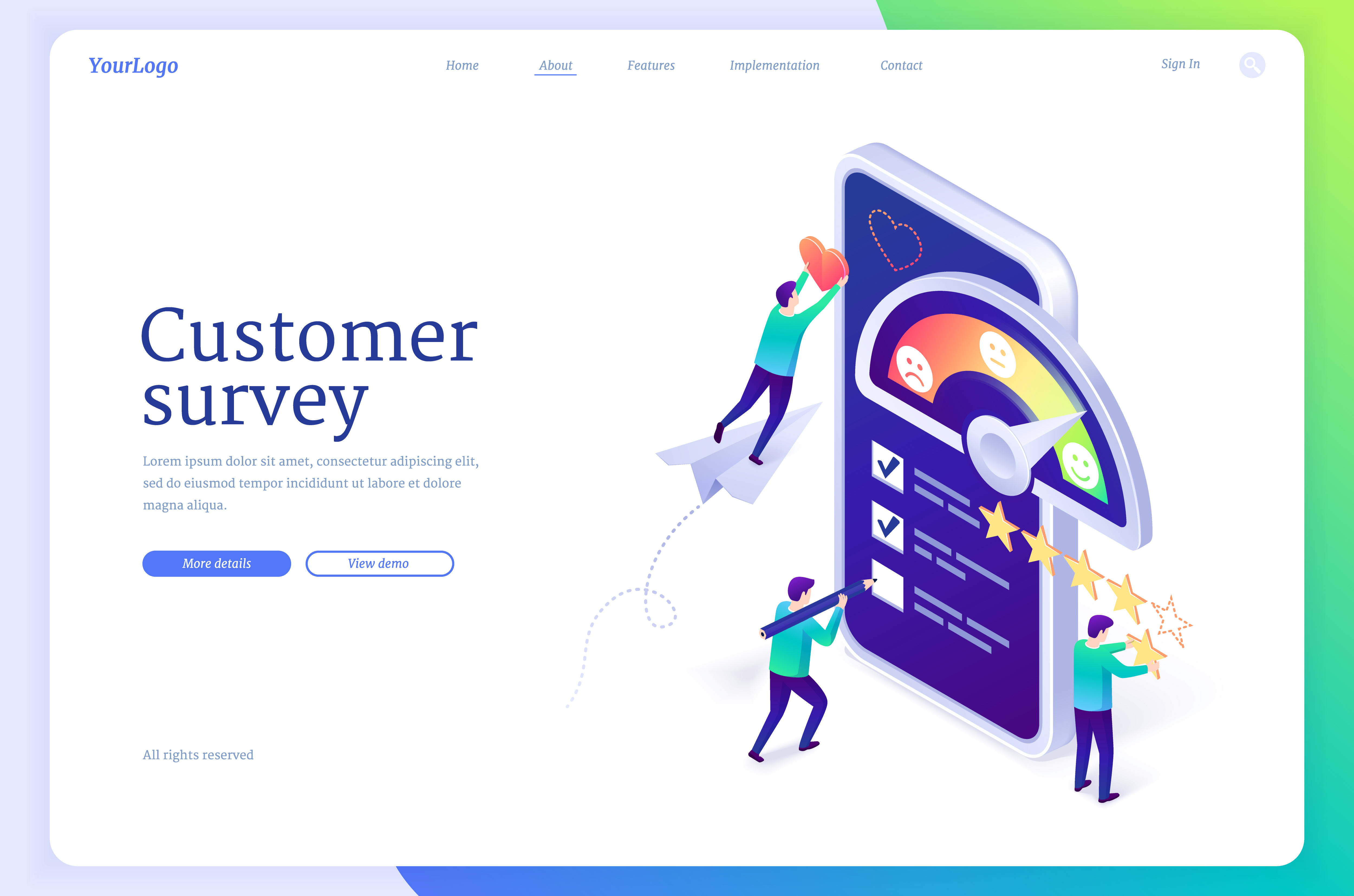
SEE THE WORKFLOW
Move through the examples to see the customer experience, planning process and connected system behind the service.

FAQS
Short answers for decision makers who need clarity before booking a demo or consultation.
RELATED SOLUTIONS
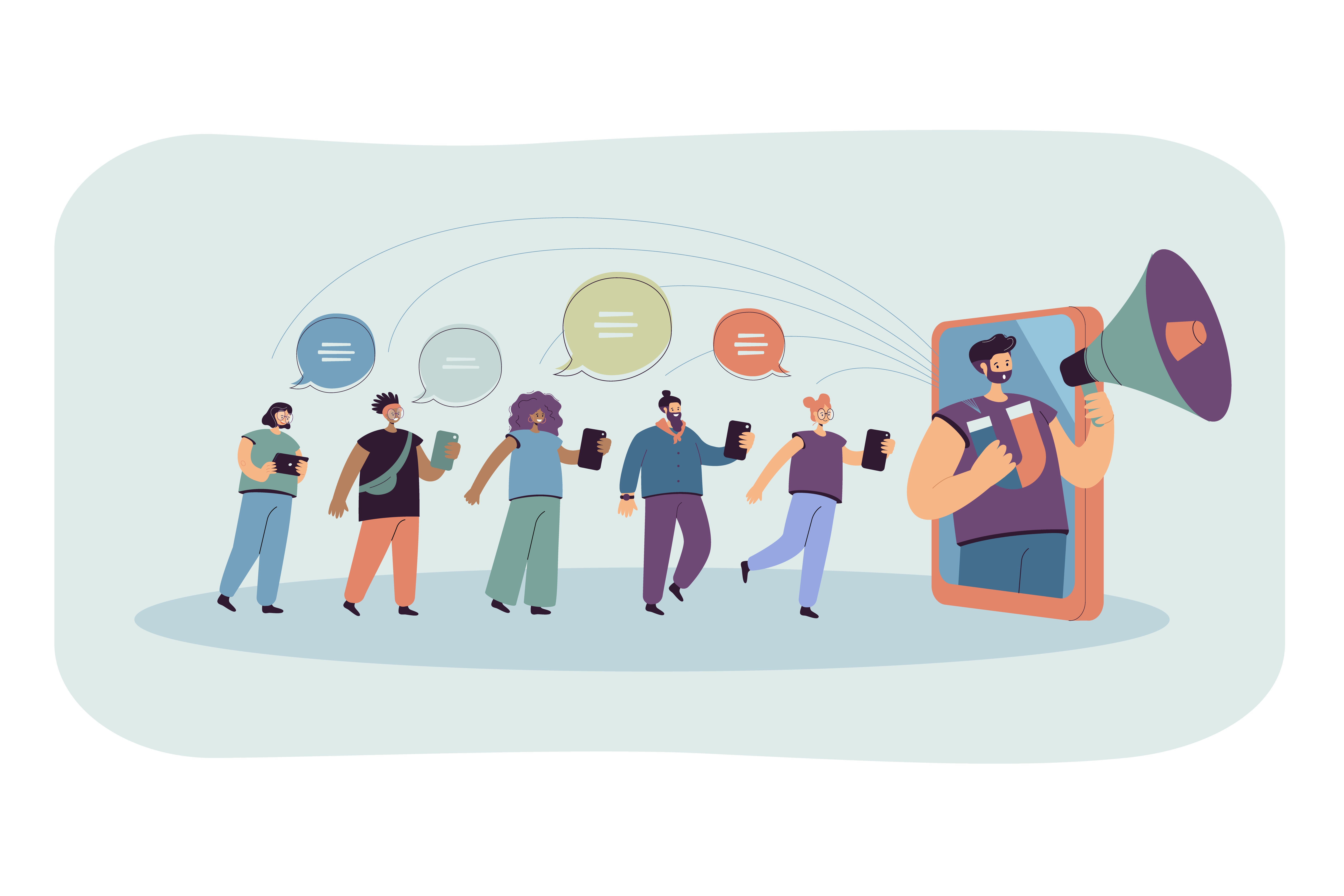
Compare complementary solutions when your challenge crosses messaging, payments, mobile access or systems.
GET STARTED
Tell us about your project goals. Our solutions team will review your requirements and provide a personalized recommendation.